The goal of this project was to develop a strong visual identity for Maddie Jane,
a pop artist with a bold, playful style influenced by Katy Perry, Olivia Rodrigo, and Lady Gaga.
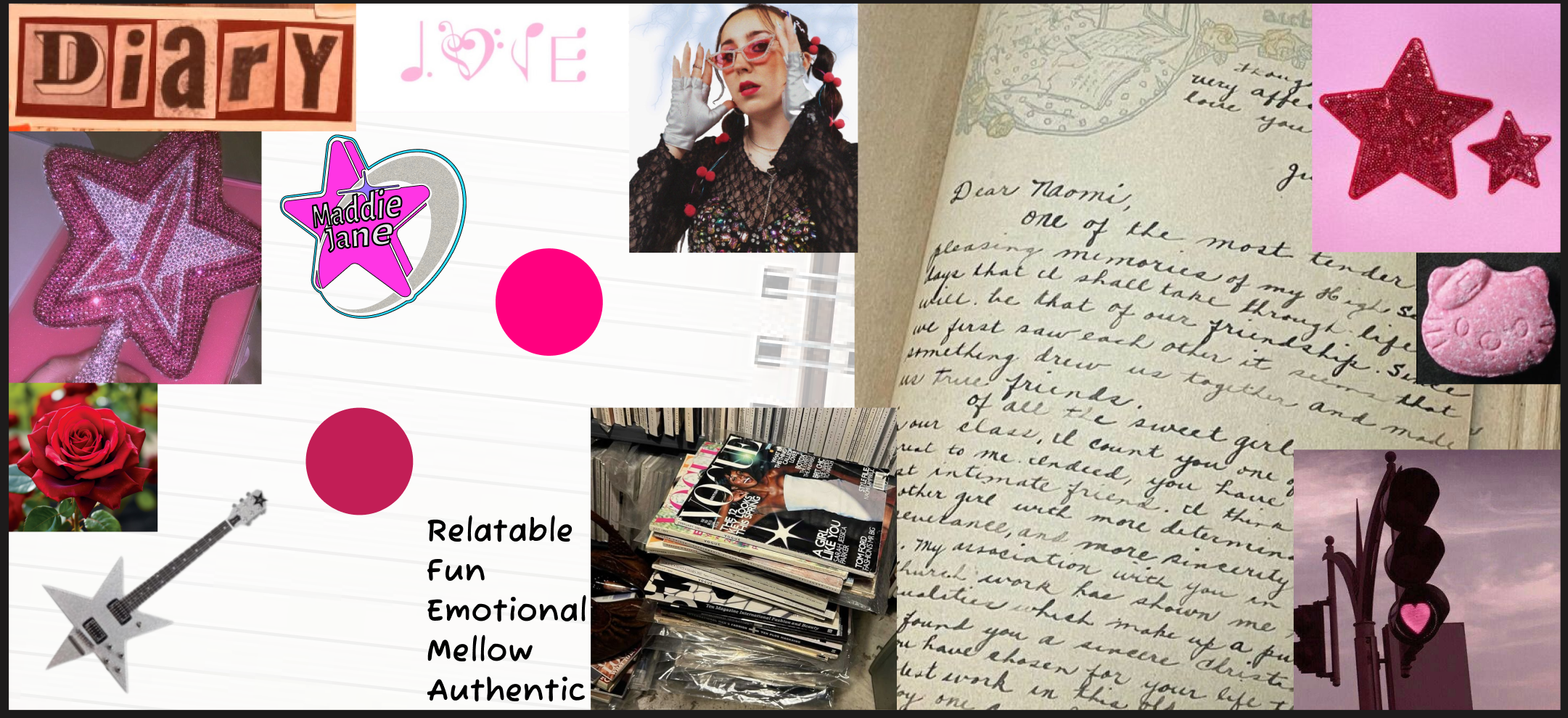
Her aesthetic blends elements of Y2K fashion, girly pop culture, and visual maximalism.
The project focused on designing a logo and capturing high-quality branding images
to support her performances and online presence.
Logo Design and Iteration
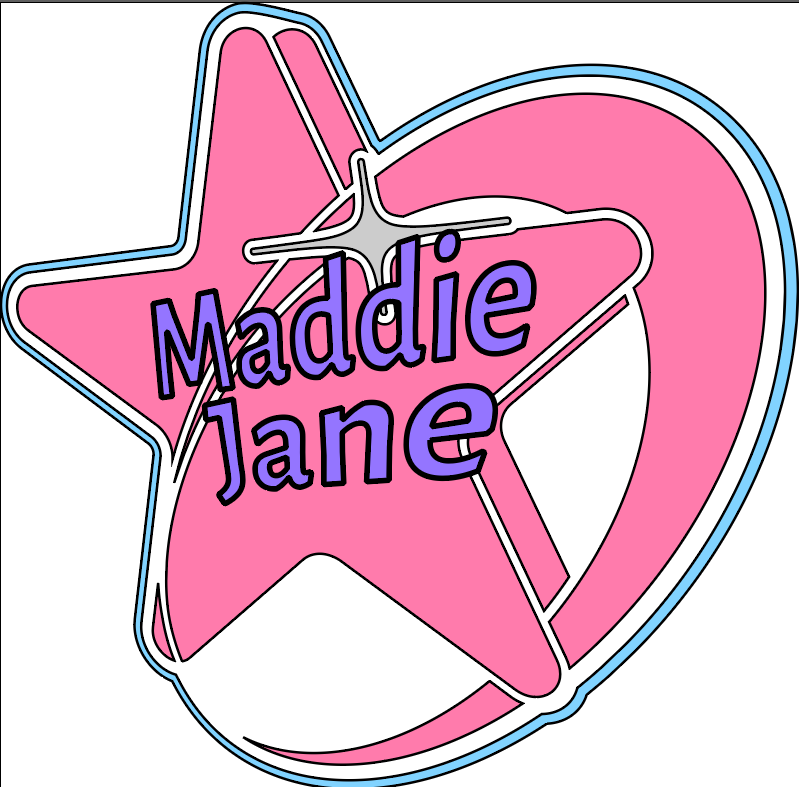
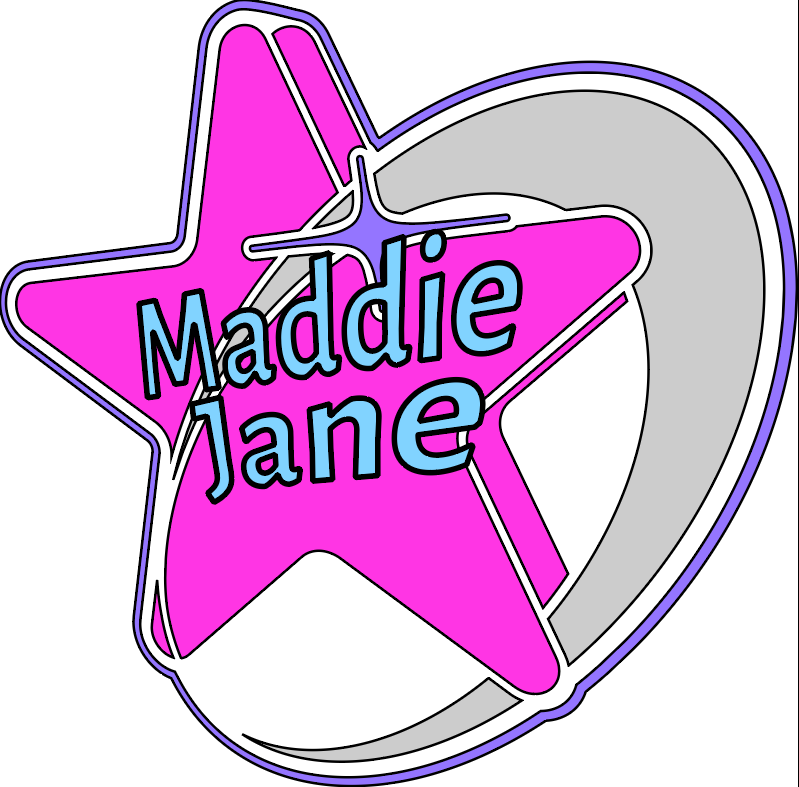
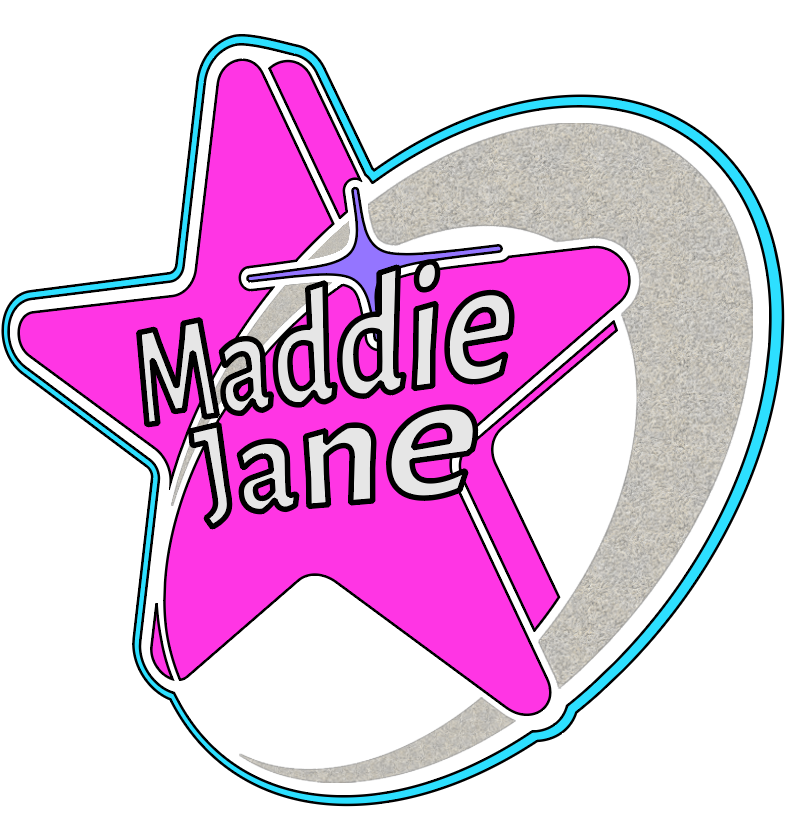
I designed multiple logo variations for Maddie Jane, refining them through an iterative process
based on client feedback. The design adjustments focused on typography, color choices, and composition —
all aiming to reflect her expressive and ultra-feminine Y2K-inspired style by using brighter, stronger and more vibrant colors and use different star related symbols
as per her request. Each iteration helped me better understand the role of visual storytelling in personal branding and how design can express an artist's personality.
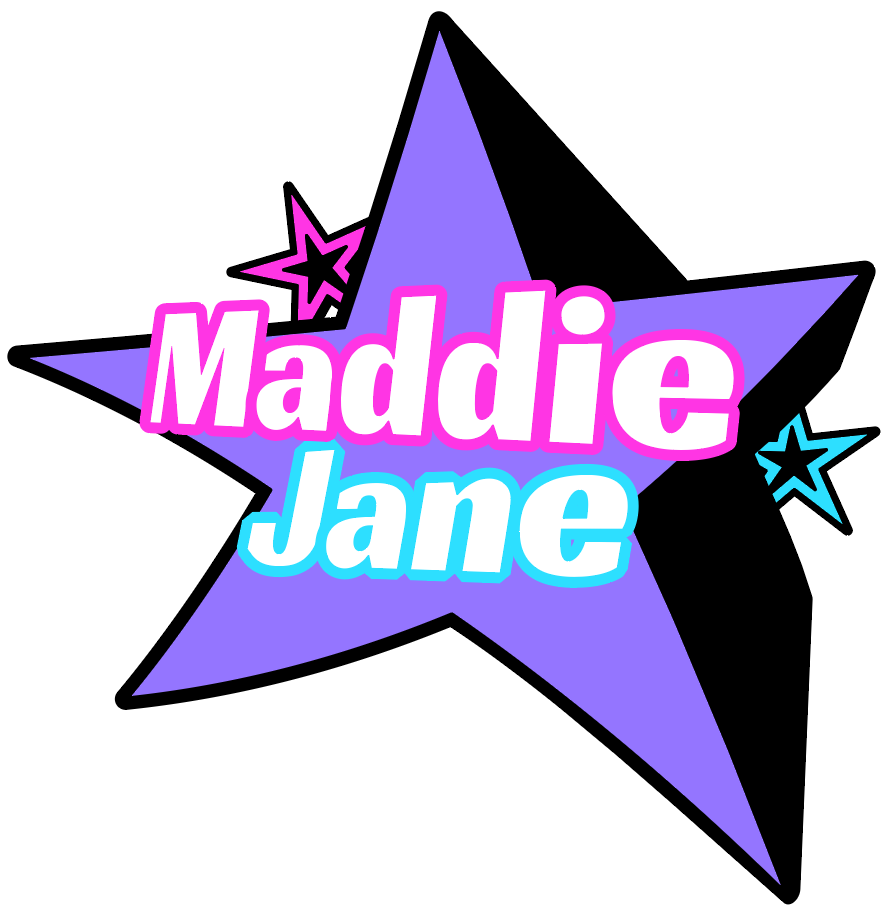
Initial StylescapeSecond Stylescape That had a different direction and she didn't like as much
Photoshoot and Visual Branding
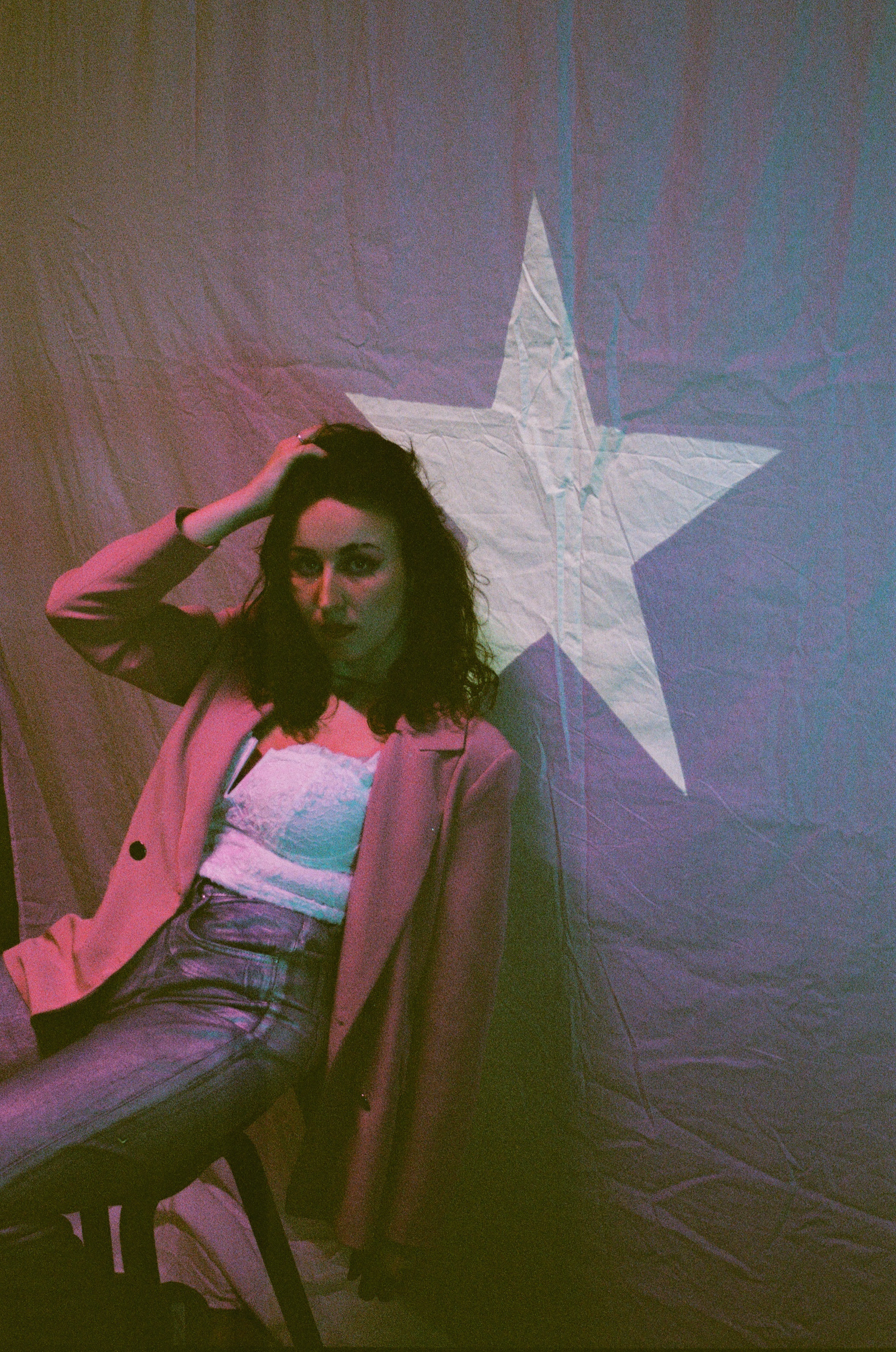
A photoshoot was organized and executed to enhance the branding. The shoot focused on capturing images
that could be used for promotional materials, social media, and performances. My role included
coordinating the shoot, ensuring the concept matched the artist's colorful, confident, and fashion-forward aesthetic,
and documenting the process through behind-the-scenes footage. In the images below you can see how we used the background to compliment her aesthetic and her outfit.
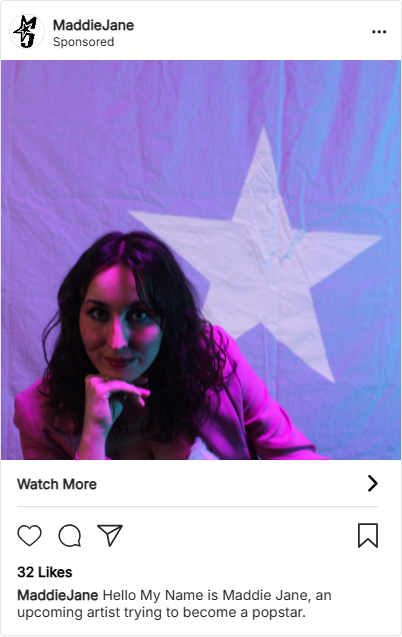
Some pictures from the PhotoshootA mockup for a promotional post for Maddie Jane
Client Meetings and Project Collaboration
Throughout the project, I participated in client meetings where we presented our design ideas and received
feedback. These discussions helped refine the project direction and gave insight into working with real clients.
The experience emphasized the importance of clear communication, collaborative thinking, and staying
adaptable when working on creative branding projects with a strong personality at the center.
Feedback documentation
Project Reflection
This project gave me a real taste of what it's like to collaborate with an artist and design something that feels
true to their personality. I learned how to balance my own creative ideas with someone else's vision, and how small tweaks
in typography or color can shift the tone of an entire brand. Coordinating the photoshoot was one of the highlights — it brought
everything together and showed me how branding lives beyond just logos.
Working with Maddie, whose style is so bold, feminine, and unapologetically pop, challenged me to step outside my usual comfort zone
and experiment more. It pushed me to think in glitter, curves, and pink gradients — and I genuinely enjoyed it. I walked away more confident
in my ability to bring a brand to life from concept to execution.
Flipdot Board UX Project
For this UX project, we were tasked with designing a meaningful and engaging visual experience for the 84x28 pixel Flipdot board located in the office of OWOW, a creative digital agency. OWOW is a mission-driven team that values design, innovation, and impact. They wanted the board to be more than just a passive display — it needed to become a source of inspiration and interaction for their designers, developers, and clients. Our challenge was to deliver a concept that brought joy, storytelling, and purpose into this pixel-based format.
Theme Brainstorming and Concept Selection
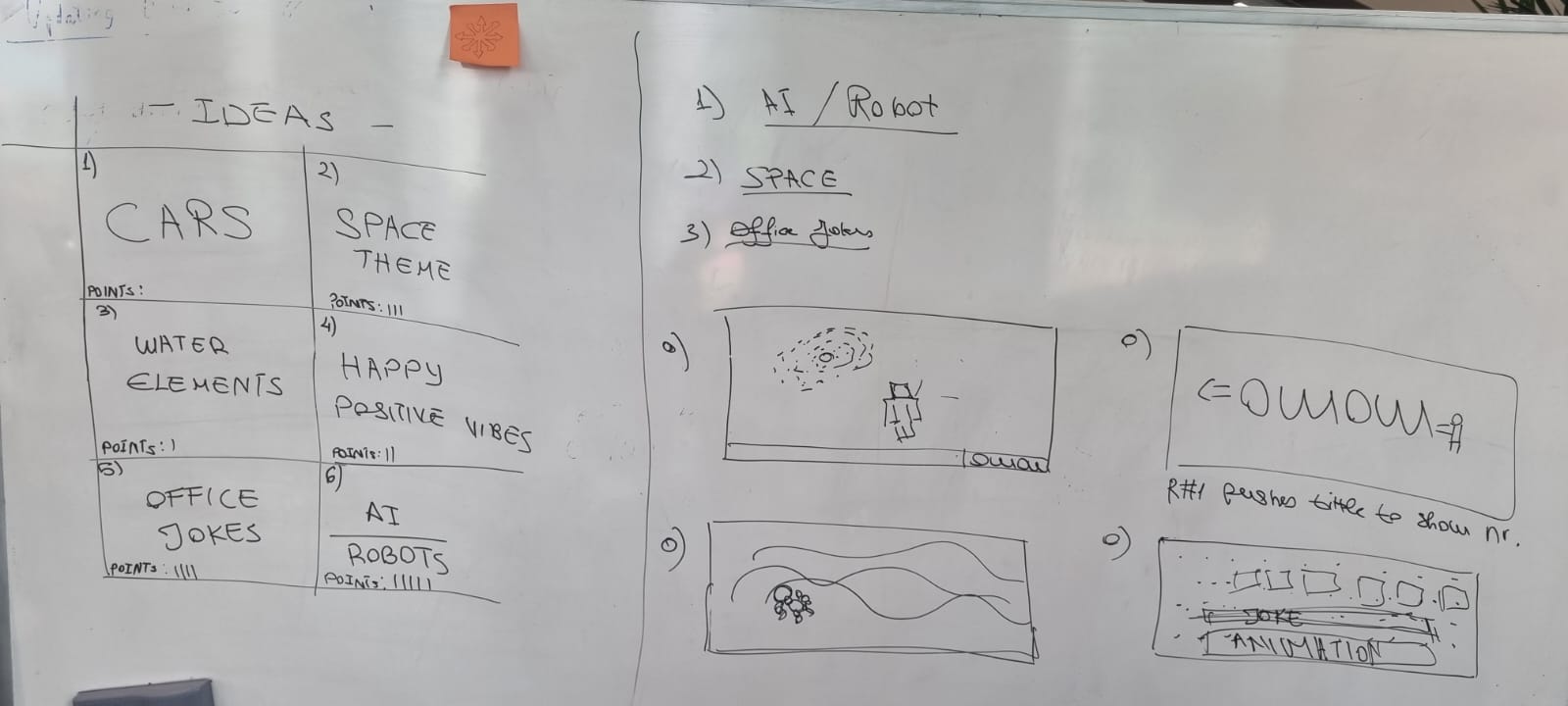
Our group started with a creative brainstorming session, generating five initial themes: cars, space, water, something happy, office humor, and robot/AI. After discussing each idea's visual potential and emotional tone, we narrowed it down to three final concepts — space, office humor, and robot/AI. These themes were selected for their playfulness, flexibility, and storytelling possibilities, while still working well within the technical limits of the Flipdot board.
The whiteboard we used to intialize concepts and narrow them down.
Flipdot Simulation and Animation
I led the development of a Flipdot simulation using HTML, CSS, and JavaScript to test and visualize our ideas in-browser. I created waving robot animations, a spinning galaxy, text display effects, image-to-pixel conversion features, and ripple/inversion animations. This simulation mimicked how the Flipdot board would behave in real use and gave us a playground for building and refining ideas with visual feedback. These features focused on balancing clarity and creativity while embracing the grid's pixelated aesthetic.
Video of some of the features the flipdot board simulator had.
Team Collaboration and Presentation
Our team collaborated through every step of the UX process — from theme development to visual concept testing and refinement. I focused primarily on the technical design and animation logic behind our ideas. In the final phase, we delivered a presentation that walked through our simulation, explained our design reasoning, and demonstrated how each visual could communicate growth, connection, or company milestones in a fun and engaging way for OWOW's team.
Project Reflection
This project gave me the chance to connect front-end development with creative storytelling. Designing for such a limited space forced me to think more critically about visual clarity, timing, and user emotion. It helped me understand how to turn technical constraints into creative fuel. I also saw the value of prototyping early and adjusting visuals based on feedback and feasibility — especially when designing for a real-world client with unique culture and expectations like OWOW.
Flipdot Board Media Development Project
For this Media Development assignment, I focused on applying our skills in HTML, CSS, and JavaScript to build a fully functional interactive prototype. Instead of starting from scratch, I chose to refine and expand an existing Flipdot board simulator — originally created during a previous UX challenge for the digital agency OWOW.
Rebuilding with Canvas
The original simulator used HTML elements to generate an 84x28 pixel board. In this project, I reprogrammed the simulator from the ground up using the HTML5 canvas element to allow for more flexible and visually optimized rendering. I made sure that key features like drawing, erasing, text display, and animation rendering worked seamlessly with the new structure.
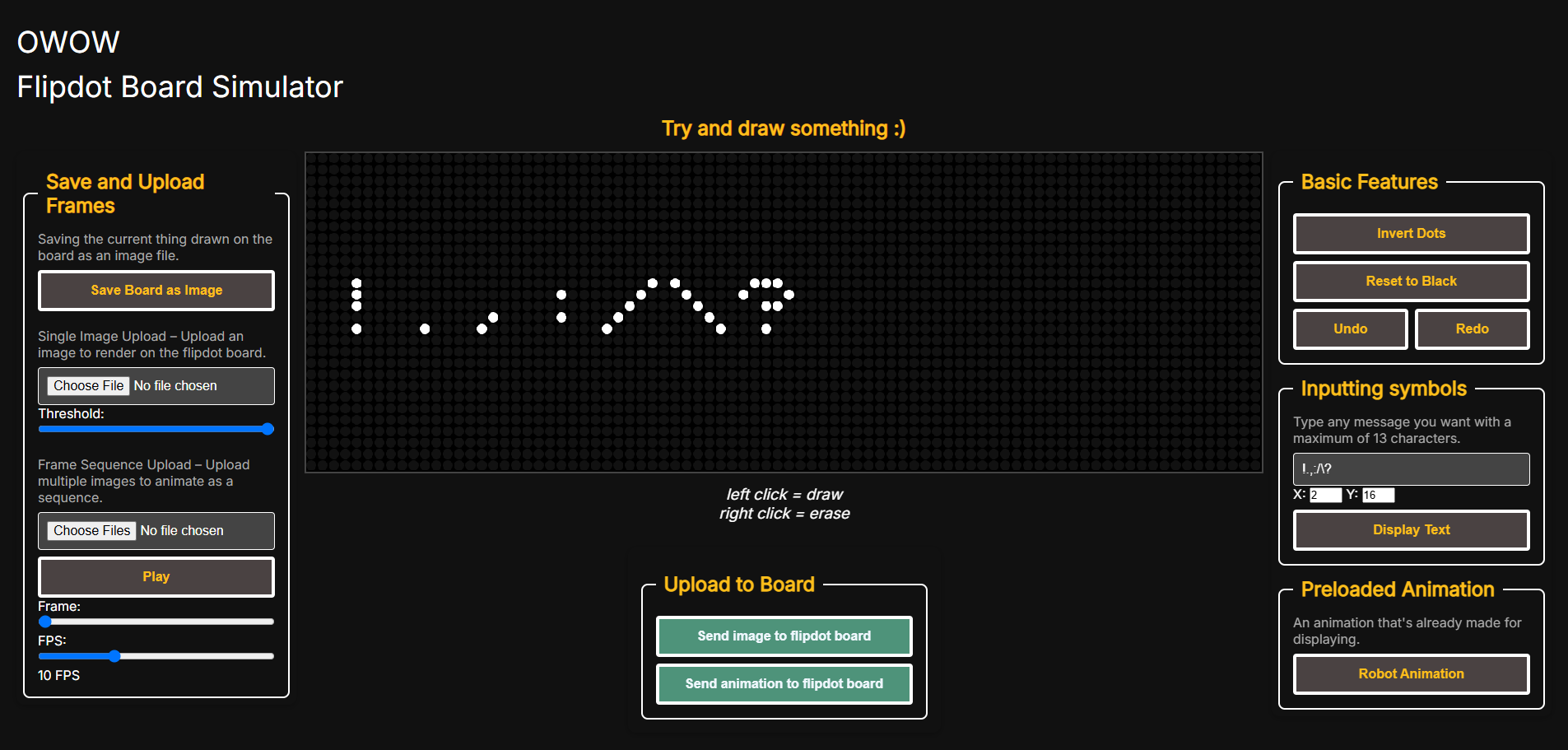
I reintroduced and enhanced features like image uploads with pixel conversion, frame-by-frame animation uploads, invert/reset functions, and custom animations like the robot animation. Over time, I continued to expand the simulator by adding new functions such as undo and redo—features that were directly inspired by feedback from my teacher Penny, who emphasized the importance of being able to easily reverse mistakes during drawing. Other improvements included custom text display with adjustable position, support for additional symbols (like exclamation marks and punctuation), direct image exporting from the board, play/pause animation controls, and overall better canvas interactivity. Each tool was adapted to work in real time within the canvas, ensuring consistent behavior across all interaction types.
Image of the new Flipdot simulator and it's new layout and functions.
User Testing
To improve usability and assess the simulator's effectiveness, I ran a round of user tests with classmates and design peers. The goal was to gather feedback on ease of use, visual clarity, and engagement. Based on their insights, I made iterative changes to enhance the overall experience, especially for new users experimenting with flipdot visuals.
After the tests, I adjusted the project’s layout based on feedback. This included moving key controls, increasing the canvas size, and spacing out the interface, all to make it easier for new users to navigate and create with the simulator.
User Test Documentation
Why the Flipdot Simulation Fits OWOW
OWOW values creative technology and interactive media, always aiming to surprise and engage visitors in their studio. The Flipdot simulation captures this spirit perfectly: it’s playful, customizable, and encourages real-time interaction. By supporting animation, user input, and experimental visuals, it gives the OWOW team a unique way to prototype ideas and showcase brand messages—turning the Flipdot board into an ongoing experiment for visual storytelling and studio culture.
Project Reflection
This project allowed me to connect my technical development skills with a real product context. It taught me how to refactor existing work for better performance, how to modularize features in JavaScript, and how to prototype visual interactions in a way that feels intuitive and responsive. I also gained experience in thinking about projects from both a developer's and user's perspective.
The OWOW team confirmed that the Flipdot simulation was a perfect fit for their creative and interactive culture, and said that they could see themselves using our product. Also they appreciated how the tool encourages ongoing experimentation and playful engagement in the office.
Arcade Survival Game - in Godot 4 Angels Vs Demons
Why I Made the Arcade Survival Game?
I've always been passionate about game design and wanted to create my own games ever since I started playing them as a kid. The idea of building interactive worlds and designing mechanics that challenge and entertain players has always inspired me. For a long time, I was curious about what actually goes into making a game, but I never had the chance—or the confidence—to try it for myself. When I got the opportunity to choose my own project, I knew it was finally time to take on this challenge and see what I could create. I wanted to learn not just about coding, but also about visual design, player feedback, and what makes gameplay satisfying.
Taking on this project gave me the perfect opportunity to experiment with game development from the ground up. I was able to explore everything from brainstorming mechanics and drawing pixel art to coding enemy logic and balancing difficulty. It was both a personal goal and a creative challenge, and I’m glad I finally took the step to turn my long-time interest in game design into a real, playable project.
This project was a solo development effort to build a fast-paced, top-down survival game with an arcade feel. The player must survive against endless waves of enemies, collect pickups, and manage health—all using a responsive, pixel-art UI.
I handled every aspect, including core gameplay mechanics (movement, shooting, enemy AI), UI design (health bar, wave label, score popup, pause/game over screens), and visual effects (custom cursor, hit invincibility, collectibles). Iterative improvements were made through playtesting—such as fixing input bugs, optimizing the wave system, and balancing enemy spawn rates for fairness and challenge.
Main Features
Isaac-style movement and shooting with 8-direction controls
Enemy waves with escalating difficulty and intermissions
Collectibles and score system with UI updates
Custom UI: health bar, score label, wave popup, pause menu
Invincibility logic and bug fixes through playtesting
Self-contained, modular GDScript codebase
Process Highlights
- Planned and prototyped core mechanics (movement, shooting, health)
- Iteratively added features: enemy spawning, collectibles, pause menu, custom cursor
- Refined wave progression, UI/UX, and gameplay balance
- Addressed player feedback and tested fixes for input, layering, and visual clarity
Video of me playing the game.
Project Reflection
Developing this project deepened my understanding of game mechanics, player experience, and iteration. I enjoyed finding creative solutions to technical and design challenges, and I became much faster at troubleshooting bugs in Godot. This hands-on project also improved my documentation and presentation skills, making it easier to share my work clearly in my portfolio.